A lower TTL helps only after previously cached answers with the old lifetime have had time to expire.
Inventory the records that must move
Apex, www, API, asset and CDN hostnames. Leave MX and verification TXT alone unless they are actually moving.
The delivery model
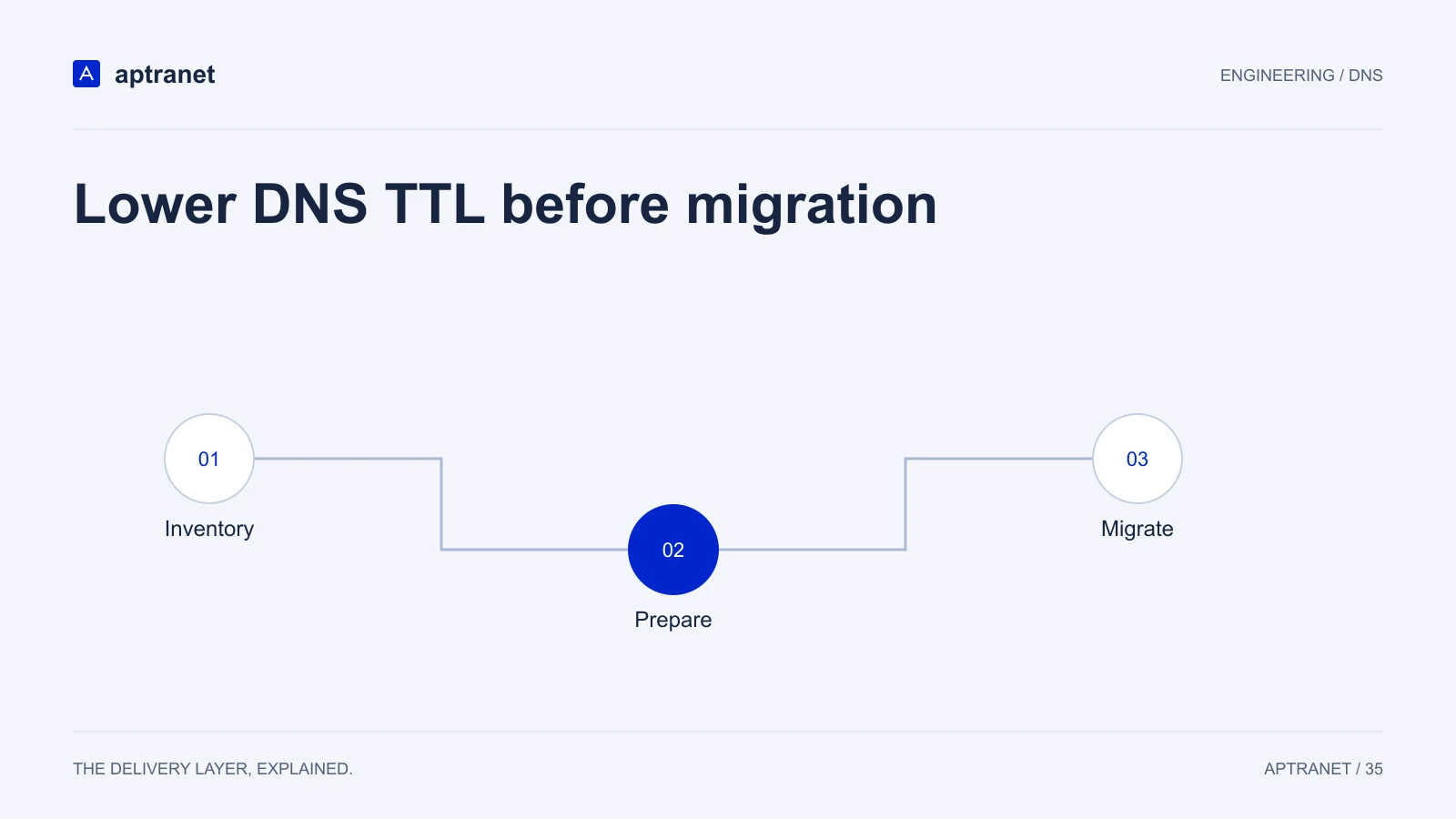
Lower DNS TTL before migration
- 01InventoryIdentify every record and address family involved.
- 02PrepareLower TTL and wait at least the previous lifetime.
- 03MigrateChange answers and keep the rollback destination alive.
Lower, then wait a full old TTL
If the record was 86400, wait at least a day after you publish the low TTL before you change the target. Otherwise both answers are in the wild.
Cut over on a still-low TTL
Point at Cloud CDN or the new origin. Rollback is the same record with the same low TTL. Do not raise TTL in the same change.
Restore TTLs after validation
Static records can go back up. Failover targets may stay low forever. Cloud DNS can absorb that query volume on Anycast.
Validate before production
Record the original TTL, when the lower value became authoritative, and the planned change time. Check A and AAAA along with any aliases. Keep mail and verification records unchanged unless the migration explicitly includes them.
- Record the configuration and expected result before changing traffic.
- Keep evidence of the test and a working rollback for the previous behavior.