You change a DNS record and one client sees the new address immediately. Another keeps using the old one. Usually, they are looking at different cached answers. TTL controls how long an answer may remain cached; it does not push a change into every resolver.
Follow one answer through its lifetime
An authoritative server publishes an answer with a TTL. A recursive resolver can cache it and return the remaining lifetime to clients. Updating the authoritative record affects new lookups there; it does not replace copies that resolvers already hold.
Clients and applications can add their own caching behavior. Some resolvers apply minimum or maximum lifetimes, and serve-stale mechanisms can extend answer availability during failures. Treat the published TTL as an input to behavior, not a global countdown.
Lower the value before you need it
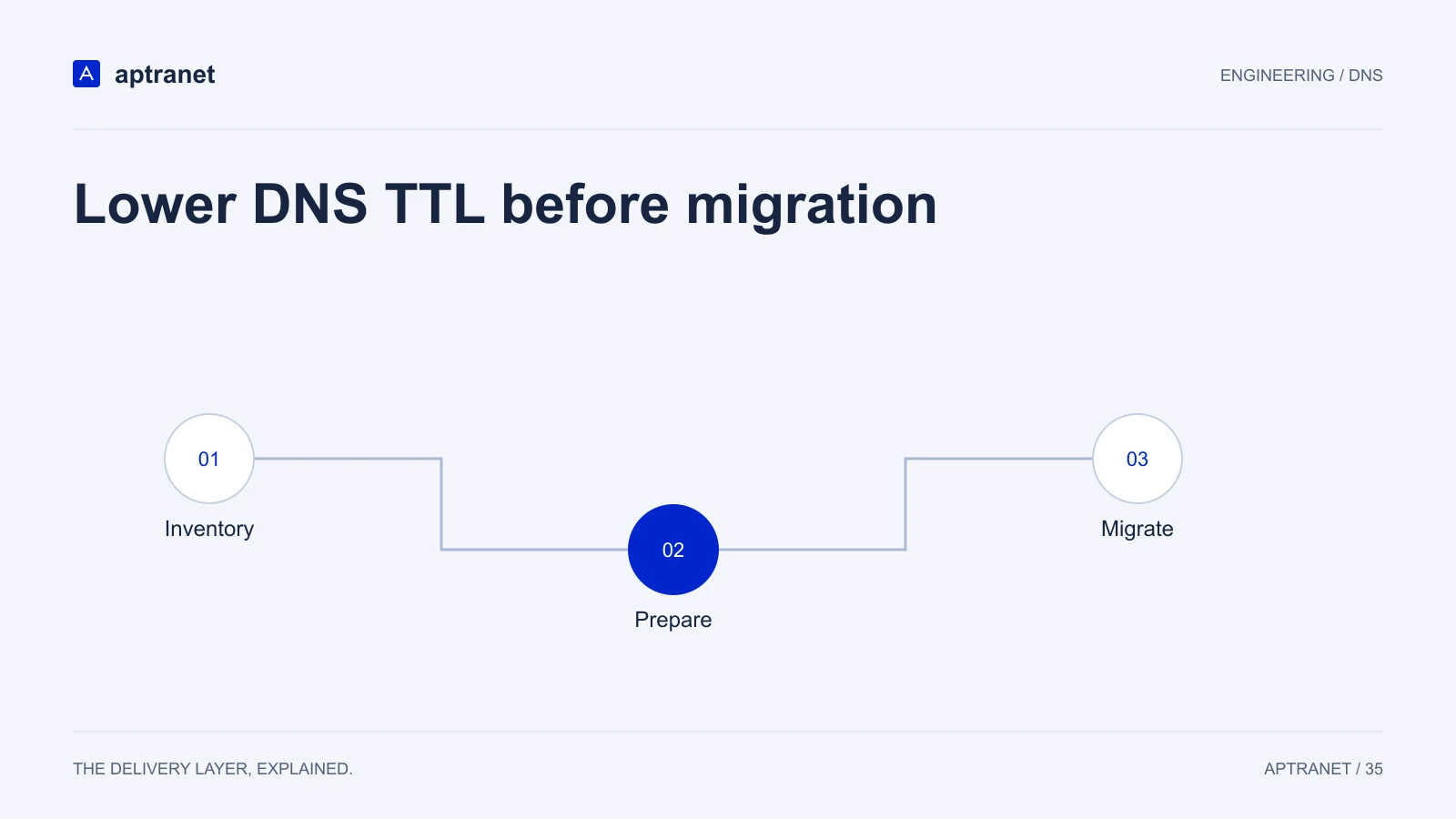
Suppose the record has a TTL of 86,400 seconds. A resolver that fetched it just before you lower the value may keep the old answer for nearly 24 hours. Publishing a TTL of 300 seconds does not retroactively shorten that cached copy.
Lower the TTL at least one old TTL before the intended cutover, then verify what your authoritative servers publish. Keep a longer preparation window for operational checks, delegation changes, and DNSSEC work.
A DNS migration has three different moments
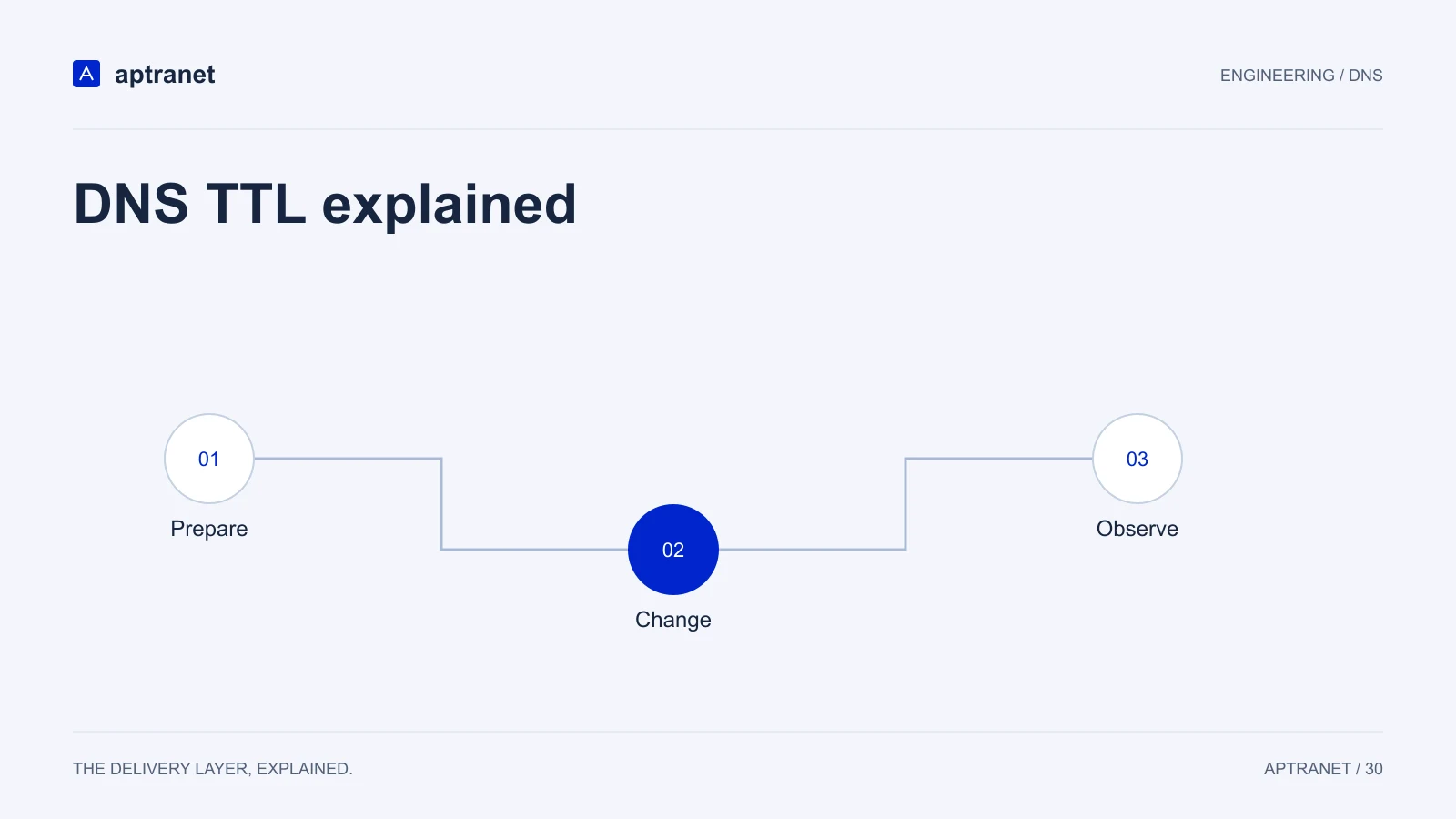
- 01PreparePublish a shorter TTL and wait for the old lifetime.
- 02ChangeSwitch the answer while the shorter TTL is still in effect.
- 03ObserveKeep both destinations available and test multiple resolvers.
Separate DNS failover from request recovery
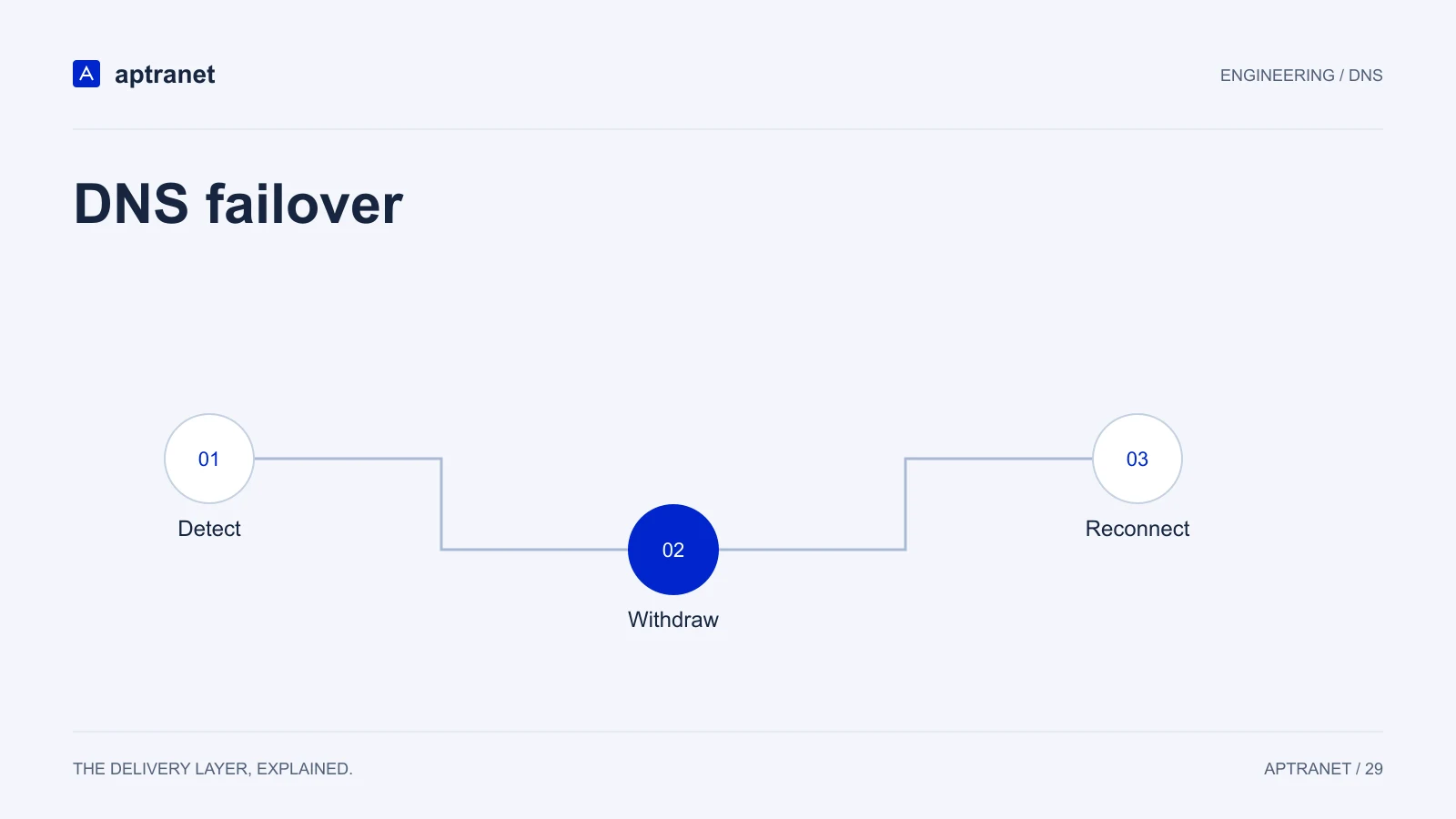
Health-aware DNS can stop returning an unhealthy address in new answers. Recovery still includes the time to detect the failure, the remaining resolver cache lifetime, and how the application retries or reconnects.
Existing TCP and QUIC connections are not moved by a DNS answer change. A short record TTL cannot repair a connection already established to the failed destination. Test the client behavior as part of your recovery plan.
| Behavior | Controlled by this record’s TTL? |
|---|---|
| Lifetime of a newly cached answer | Yes, subject to resolver behavior |
| Previously cached answer | No retroactive update |
| Failure detection speed | No; determined by health checks |
| Existing connections | No; depends on client and transport |
| Nameserver delegation caches | Separate records and lifetimes |
Verify the answer at the right layer
Query the authoritative server to confirm the published value, then compare with recursive resolvers. A lower TTL from a recursive resolver may simply mean its cached answer is partway through its lifetime. Keep the record type explicit: A and AAAA answers can differ.
The commands below are diagnostic examples for a system with dig installed. Replace the placeholder authoritative hostname with a nameserver for your zone.
dig @ns1.example.net www.example.com A +noall +answer
dig www.example.com A +noall +answer
dig www.example.com AAAA +noall +answer

# Repeat against the resolvers your clients use.
# Check address, remaining TTL, and record type.
Keep rollback useful until the change is proven
Maintain the previous endpoint and keep TTL low while observing errors, certificate validation, and application behavior. A rollback changes future answers; clients with cached copies may still reach either destination.
Raise the TTL after the migration is stable. A longer lifetime can reduce lookup volume and improve resilience to temporary authority problems. Choose it based on how often the record changes and how you intend to recover.