Apex alias features let a DNS provider synthesize address answers for a hostname target while retaining the zone’s other required records.
The apex problem
www can be a CNAME to the Cloud CDN hostname. The root cannot, if MX and NS also live there. Flattening aliases the apex while the authority synthesises addresses resolvers expect.
The delivery model
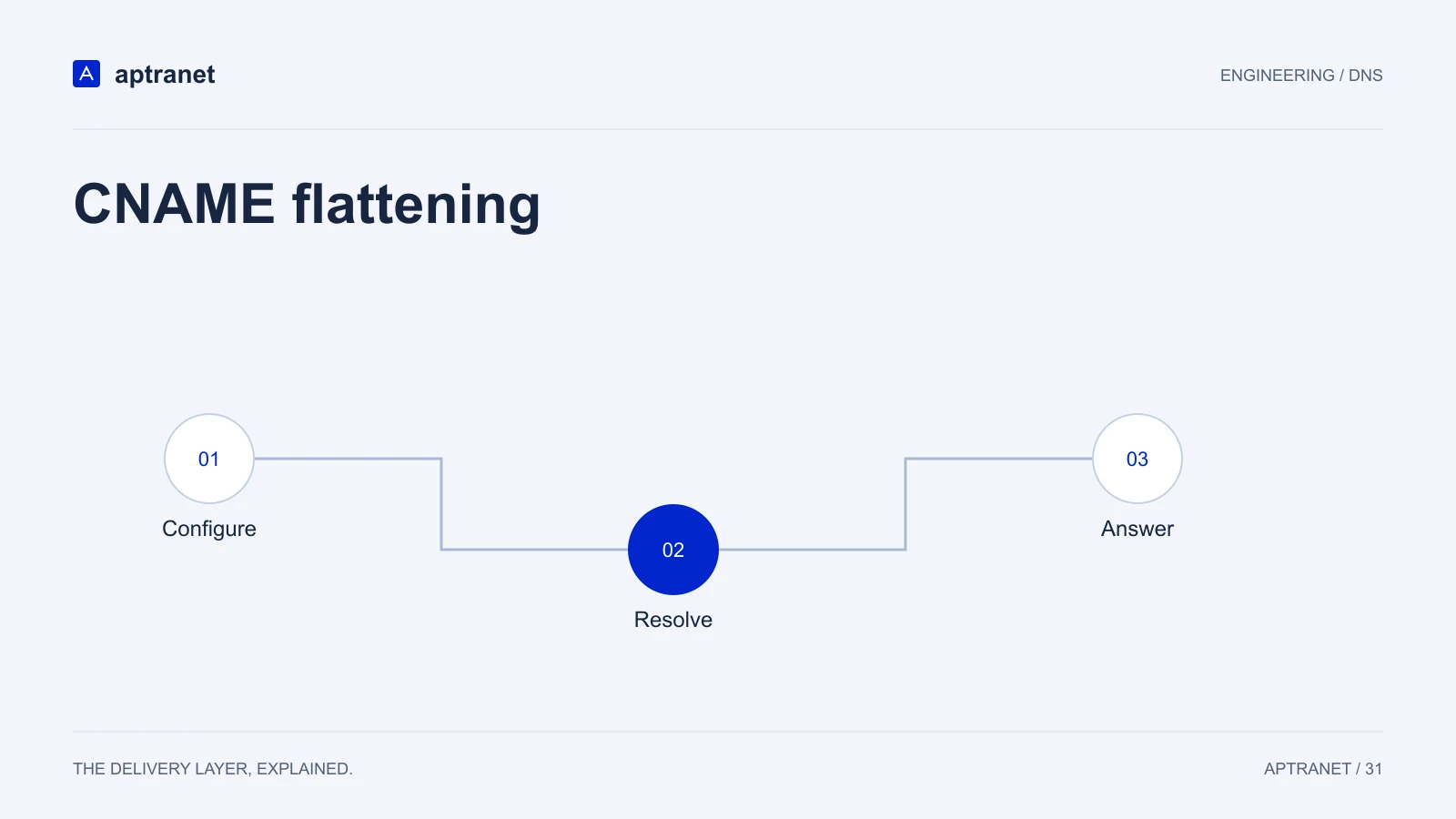
CNAME flattening
- 01ConfigureSet an apex alias using the provider’s supported feature.
- 02ResolveThe authority follows the configured target.
- 03AnswerClients receive synthesized address records.
Mail and proofs stay put
MX, SPF, DKIM and verification TXT remain at the apex. Flattening is not a reason to move Google or Microsoft mail.
The target can move
When the CDN hostname addresses change, flattening follows them. You are not chasing a frozen A record at the registrar.
HTTPS records
Cloud DNS also supports HTTPS records. Use them where clients benefit, alongside flattening — not as a reason to skip it.
Validate before production
Compare A and AAAA answers at the apex with the target’s reachable addresses. Keep MX, TXT, and delegation records intact. Review how the provider handles target refreshes and failures; flattening is a provider feature, not a standard CNAME at the apex.
- Record the configuration and expected result before changing traffic.
- Keep evidence of the test and a working rollback for the previous behavior.