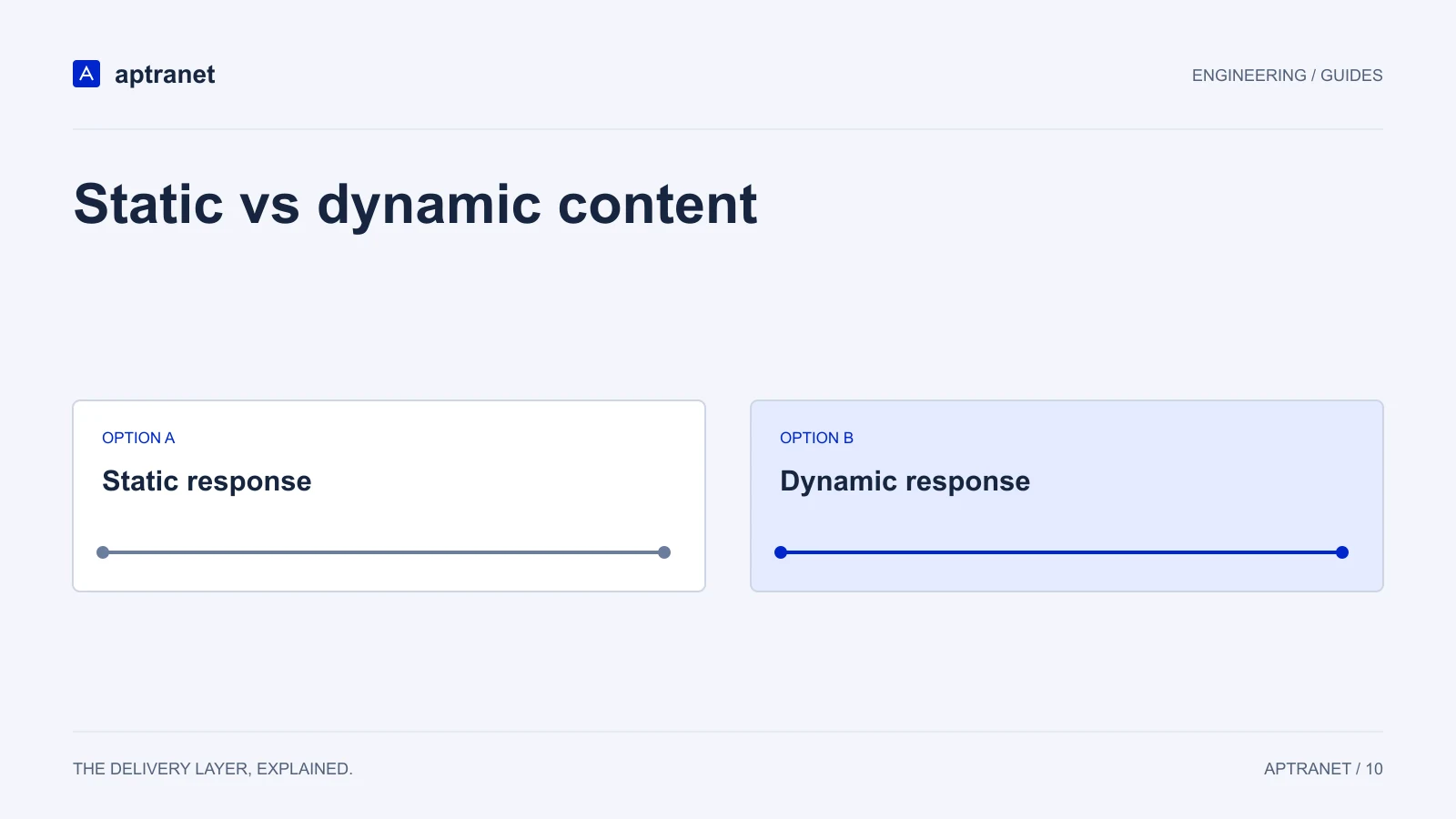
Cacheability depends on whether a response can be shared safely, not on whether the application generated it dynamically.
Static is easy on purpose
Hashed JS, CSS, fonts, images and built HTML from Hugo or Astro are static. Long TTL, purge on deploy for unhashed HTML, done.
If that is your whole site, Cloud CDN is a global files edge with TLS and HTTP/3. See CDN for static sites.
The delivery model
Static vs dynamic content
- 01ClassifyIdentify what changes the response body.
- 02SeparateDistinguish public variants from private sessions.
- 03ApplySet cache keys and lifetimes for each class.
Dynamic does not mean uncacheable
A WordPress page, a Magento category and a Next.js SSR route are generated, then often identical for the next thousand anonymous readers. Cache that HTML. Bypass the editor, cart and draft mode.
Cloud CDN is built to accelerate dynamic application traffic, not only files on disk.
Personalised HTML is the third bucket
If the response includes a user name, cart count or A/B variant chosen by cookie, it is not a public cache object. Bypass it. Cache the assets around it.
Trying to cache personalised HTML with a clever cookie key usually creates unusable entries and leaking risk.
APIs follow the same rule
Public catalogue JSON can be cached with a TTL and purge. Authorization-varying JSON cannot. GraphQL POSTs usually cannot.
See CDN for APIs for path-level practice.
Validate before production
Compare response bodies for two anonymous users, two signed-in users, and relevant query or language variants. Explicitly bypass private responses. Retest after enabling plugins or features that add personalization.
- Record the configuration and expected result before changing traffic.
- Keep evidence of the test and a working rollback for the previous behavior.