A purge changes stored copies at the CDN. It should be scoped, verified, and coordinated with origin capacity.
URL, file, directory
Cloud CDN can purge by URL, file or directory. Use the narrowest scope. A product image is a URL. A theme release may be a directory. A whole-distribution wipe is a last resort.
The delivery model
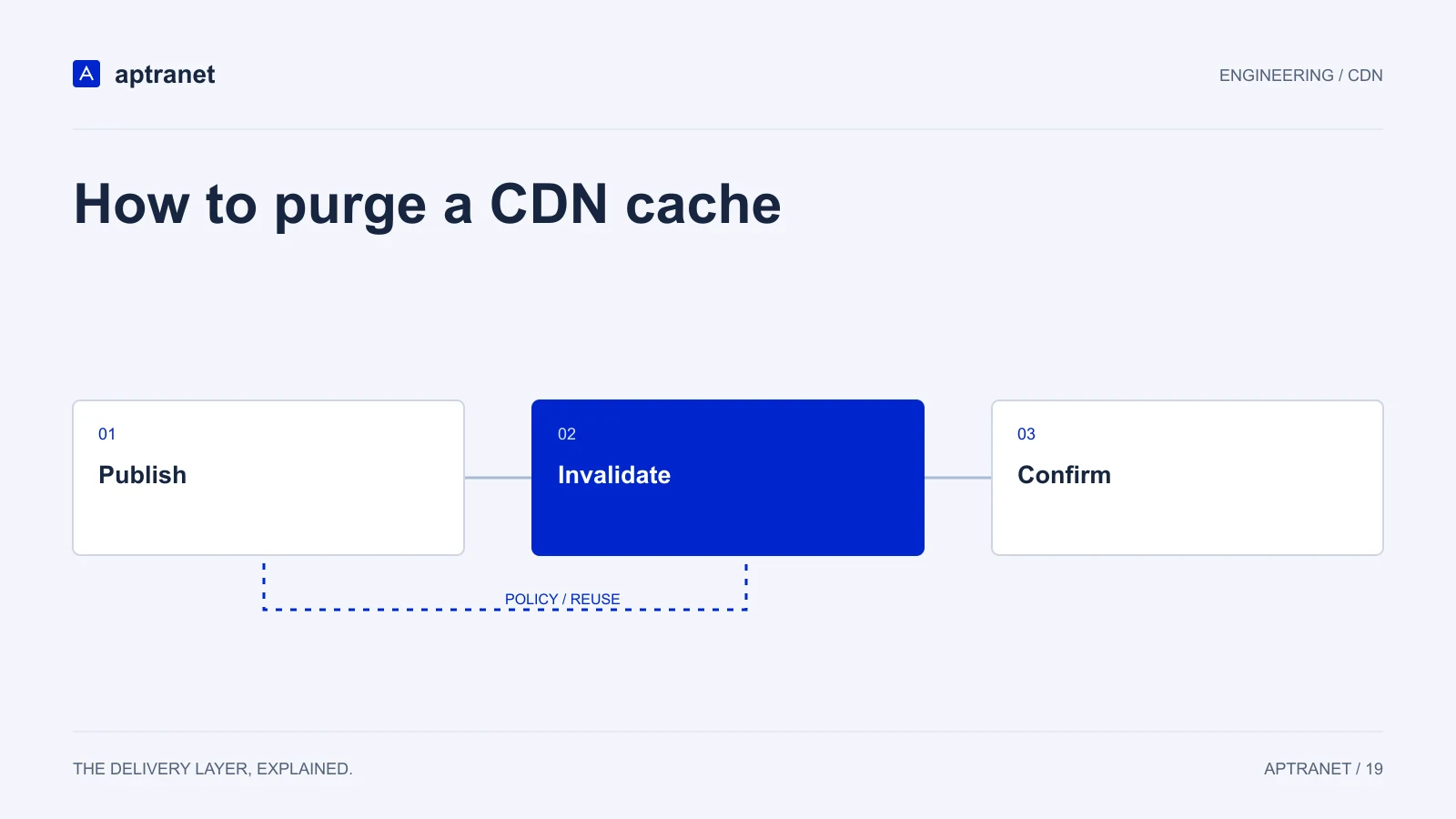
How to purge a CDN cache
- 01PublishMake the new response available at origin.
- 02InvalidatePurge the smallest set of mutable URLs needed.
- 03ConfirmCheck the body and cache state from several locations.
Hook it to publish and deploy
CI should purge HTML and any unhashed paths after a production deploy. CMS webhooks should purge the node, product or landing-page URL that changed — not the entire site on every draft save.
Prefetch is the opposite operation
Before a launch, prefetch heroes, depots or HTML so the first users do not all miss together. Shield still helps; warm cache helps more.
Confirm with logs
After purge, the next request should miss once, then hit. If origin traffic does not move, you purged the wrong key (query string, trailing slash, encoded path).
Validate before production
Change a visible version marker in a test resource and purge that URL. Confirm both the body and relevant variants, then observe the resulting origin requests. Browser caches may still hold fresh copies, so use versioned assets when possible.
- Record the configuration and expected result before changing traffic.
- Keep evidence of the test and a working rollback for the previous behavior.