Start with public assets, then add anonymous page caching only after WordPress session and publishing behavior is verified.
Connect the origin, not the plugin first
Create a Cloud CDN distribution that pulls the existing WordPress host over HTTPS, including wp-content/uploads and public permalinks. Prove theme assets and a post URL on an Aptranet hostname before you install another caching plugin.
Most cache, SEO and media plugins keep working at origin. The CDN is in front of the hostname, not inside PHP.
The delivery model
How to set up a CDN for WordPress
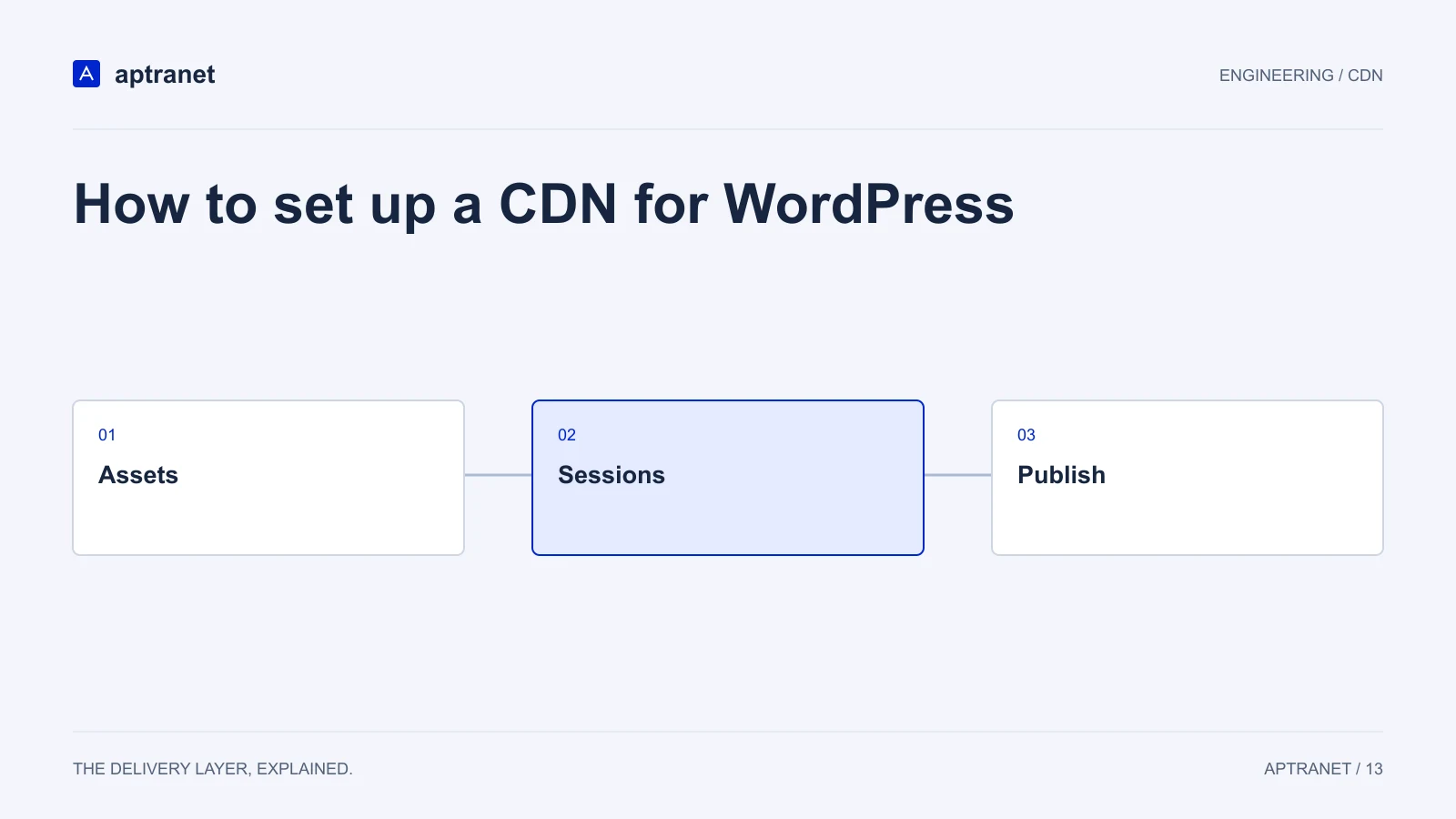
- 01AssetsServe versioned theme files and public uploads.
- 02SessionsBypass admin, login, previews, and private views.
- 03PublishInvalidate pages and listings that changed.
Bypass the paths that own state
wp-admin, wp-login.php, wp-cron.php and any membership or checkout path must bypass cache. Anonymous posts, the homepage and the uploads directory are the cache.
If a page cache plugin already emits Cache-Control, honour it or set CDN TTLs that you can purge on publish.
Media without a second pipeline
Convert and resize uploads at the edge instead of storing every WebP derivative in the media library. Purge the URL when an editor replaces a file.
See CDN for WordPress and CDN image optimization for the product mapping.
Cut over the public name
Map the domain, attach a managed or custom certificate, and point DNS when the test hostname is validated. Purge after plugin or theme releases.
Flatten the apex if the site is on example.com. Cloud DNS CNAME flattening is the usual way.
Validate before production
Publish a test post and confirm the post, home page, category listing, and feed update. Compare a logged-in editor and an anonymous visitor in separate sessions. Preview and password-protected content must not become shared cache entries.
- Record the configuration and expected result before changing traffic.
- Keep evidence of the test and a working rollback for the previous behavior.