Django static files and uploaded media need different publication and access policies, even if both are delivered through a CDN.
Delivering assets after collectstatic
Run collectstatic to a disk or host Cloud CDN can pull. Set STATIC_URL to the CDN hostname. ManifestStaticFilesStorage hashed names can live at the edge until the filename changes.
The delivery model
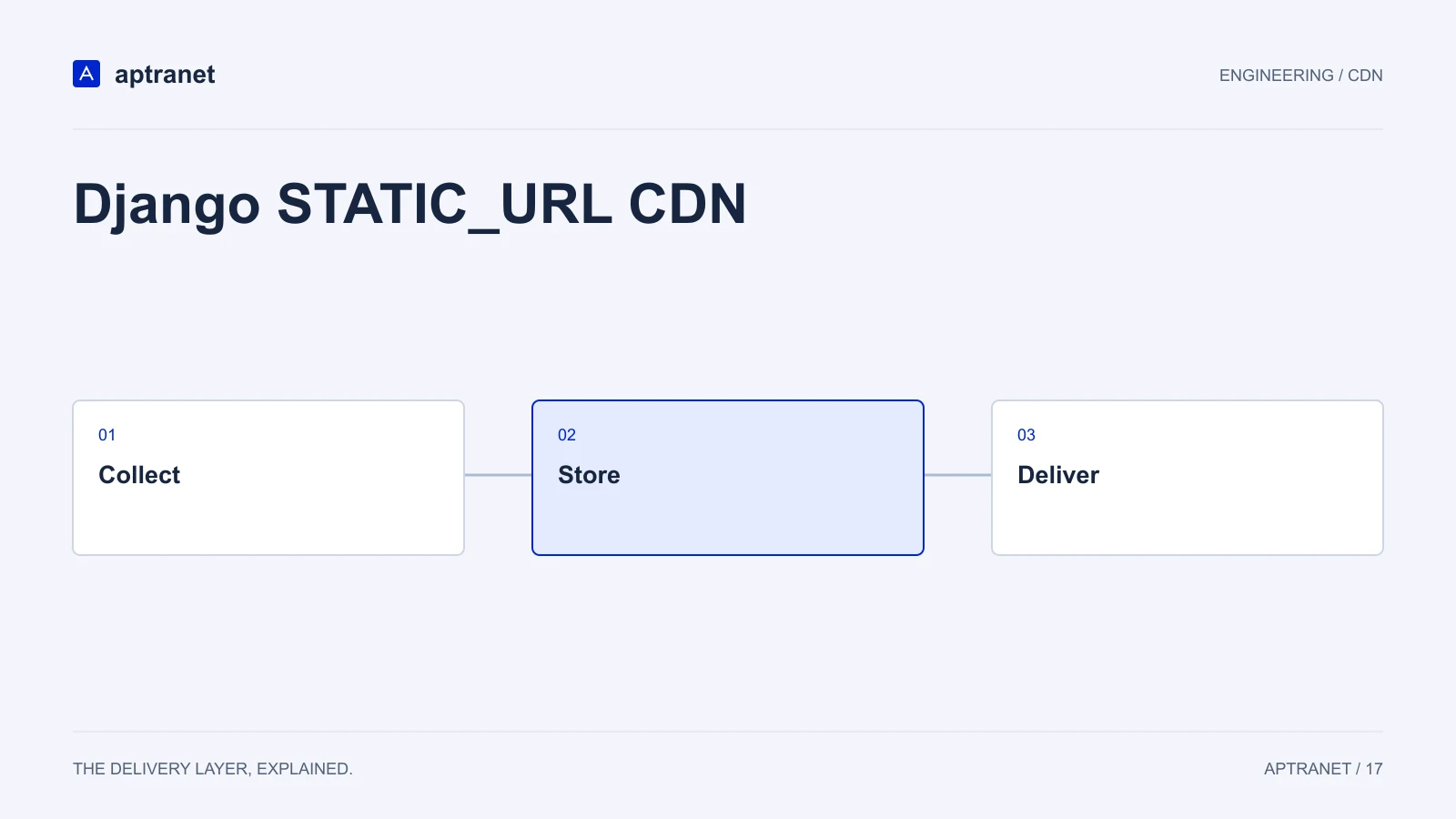
Django STATIC_URL CDN
- 01CollectBuild and collect versioned static files.
- 02StoreKeep public media separate from private uploads.
- 03DeliverCheck URLs, CORS, and cache headers.
MEDIA_URL for public uploads
Public avatars, catalogue images and downloads belong on the CDN. Private media should stay signed at origin.
WhiteNoise can remain the origin-side static server. Cloud CDN caches that result worldwide.
Admin and CSRF
django-admin, login and any POST stay dynamic. Never cache HTML that embeds a per-user CSRF token.
DRF GET endpoints
Public identical GET JSON can be cached. Authenticated APIs must bypass. See the API caching guide.
Validate before production
Run collectstatic as part of the release and inspect the generated manifest. Verify STATIC_URL and the storage backend for your Django version. Test private media with an unauthorized client; a hard-to-guess URL is not an access policy.
- Record the configuration and expected result before changing traffic.
- Keep evidence of the test and a working rollback for the previous behavior.